
SonaVue · How-to
Using your SonaVue
Get the most from your SonaVue audio glasses. Search for a topic, follow the steps, or download the full user guide.
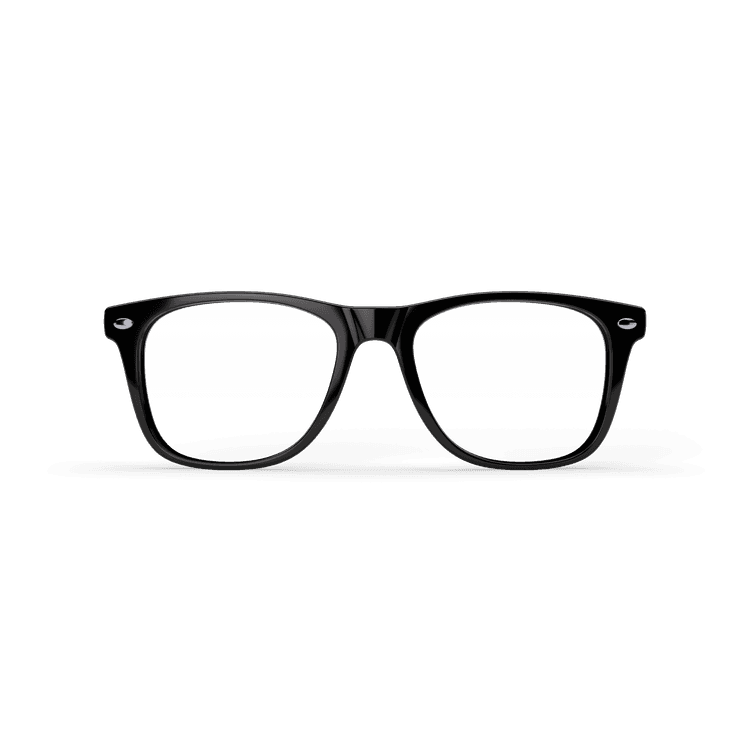
Controls at a glance
Left temple
Swipe forward / back = volume up / down
Right temple
Swipe forward / back = next / previous track
Temple button
Press = play/pause · click = answer call · 3× = camera
Getting started
- 1Connect the supplied Y-shaped USB-C magnetic cable to the charging points on both temples.
- 2The indicator light glows red while charging and turns off when fully charged — about 1.5 hours.
- 3You'll hear a “Battery Low” announcement when it's time to recharge; after the third warning the glasses turn off.
- 1Turn on: press and hold both temple buttons for 3 seconds at the same time.
- 2They also turn on automatically when you unplug the charging cable.
- 3Turn off: press and hold both temple buttons for 3 seconds. They also turn off if Bluetooth is disconnected for over 3 minutes, and while charging.
- 1Turn the glasses on and keep them close to your phone or computer.
- 2Open your device's Bluetooth settings in the control centre.
- 3Select “SonaVueHWA” — you'll hear “connected” once it's successful.
- 4To switch to another device, disconnect (don't “forget”) from the current one first, or turn off its Bluetooth.
Everyday controls
- 1Answer: click the button under either temple.
- 2Hang up: double-click either temple button.
- 3Reject an incoming call: press and hold either button for 2 seconds.
- 1Volume up: quickly swipe forward on the LEFT temple touchpad.
- 2Volume down: quickly swipe backward on the LEFT temple touchpad.
- 1Play / pause: press the button under the temple once.
- 2Next track: quickly swipe forward on the RIGHT temple touchpad.
- 3Previous track: quickly swipe backward on the RIGHT temple touchpad.
- 1Press and hold either temple button for 2 seconds to wake your phone's voice assistant.
- 2The voice assistant can't be used while you're on a phone call.
- 1Click the button under either temple 3 times to trigger your phone's camera.
Translation
- 1Download the Ear Dance app — on iOS and Google Play — and pair the glasses in your Bluetooth settings if they aren't found automatically.
- 2Register with your email; enter the verification code that's sent to you to activate (a subscription is included).
- 3Open the “Simultaneous Interpretation” button, then choose the languages you want to translate from and to.
- 4Press the green microphone to start translating and the red button to stop.
- 5Translation runs in the cloud, so it needs Wi-Fi or mobile data (5G recommended); allow a moment for it to connect before speaking.
Care & safety
- 1SonaVue comes with photochromic, sun, or reader lenses (+1.0 / +1.5 / +2.0 dioptre), all with UV protection.
- 2Photochromic lenses adjust from clear to dark with the light around you.
- 1Clean the glasses with a soft, dry cloth.
- 2SonaVue is rated IP54 (dust- and splash-resistant) but is not waterproof — don't swim, shower, or submerge them, and keep the charging cable dry.
- 3Store in a cool, dry place (operating temperature 0–45 °C); recharge before use after long storage.
- 1Listen at moderate volumes — sustained high volume can increase the risk of hearing damage.
- 2Avoid using the glasses where wireless devices are restricted (e.g. some flights or medical facilities).
- 3If you use a pacemaker, defibrillator, cochlear implant or other medical device, check with your physician before use.
Full user guide
The complete SonaVue manual (PDF) — choose your language.